22/01/2025
If the graphics on your kayak have worn over time and you’re after keeping your kayak looking top notch, you are able to freshen up your kayak with a new set of decals. This can be done easily with a bit of time and the right technique. Follow this simple guide to replace your decals and restore your kayak to its former glory.
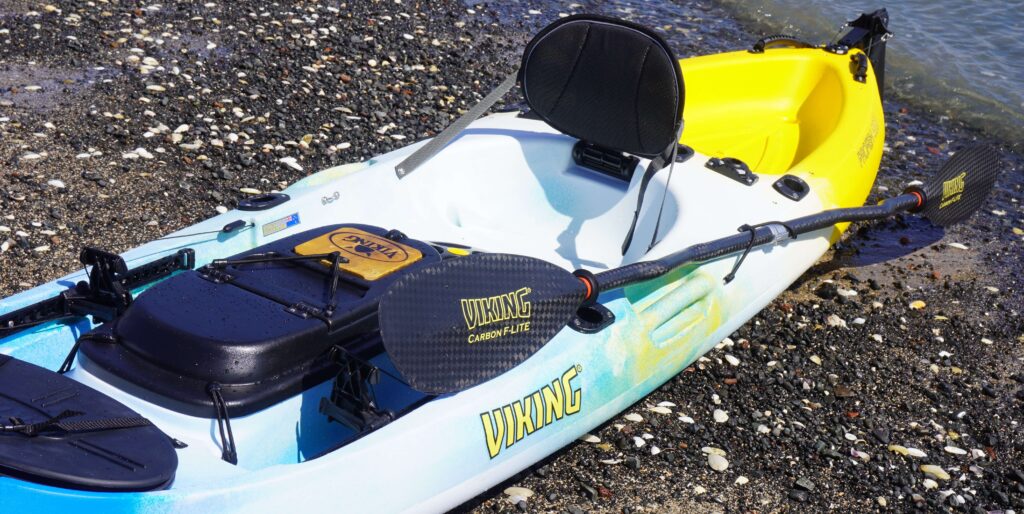
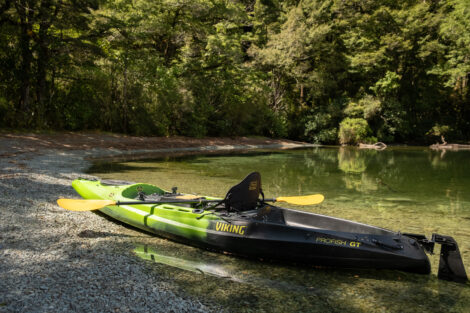
For a replacement pack of our current style of decals pictured below, get in touch with the team via email: [email protected] to enquire about our pricing and availability.
Installation of new decals instructions
Step 1: Remove Flaking Print
The first step in replacing your kayak’s decals is to remove any existing flaking or peeling print. Begin by gently scrubbing the area or using a jet water-blaster to remove any loose bits.
Step 2: Use Abrasive Cloth to Remove Stubborn Areas
After most of the print has been removed, there may still be some stubborn bits left behind. Use an abrasive cloth like SCOTCHBRITE to gently rub away any lingering remnants. Be careful not to damage the surface of your kayak—apply even pressure and work slowly to avoid scratching the finish.
Step 3: Allow the Area to Completely Dry
Now, it’s time to let the area dry completely (Note: white material is highly absorbent). This ensures that the new decal will adhere properly.
Step 4: Apply the New Decal
Once your kayak’s surface is dry, you can apply the new decal. Starting from one end of the decal, carefully align and stick it on gradually. Applying the decal by hand helps prevent air bubbles from forming under the surface. Take your time to position it correctly before pressing it into place from end-to-end.
Step 5: Roll or Squeegee to Activate Adhesive
For the final step, use a small roller or squeegee to press the decal firmly into place. This helps activate the adhesive and ensures the decal sticks properly. Apply even pressure to make sure the graphic adheres smoothly across the entire area.
#beaviking